
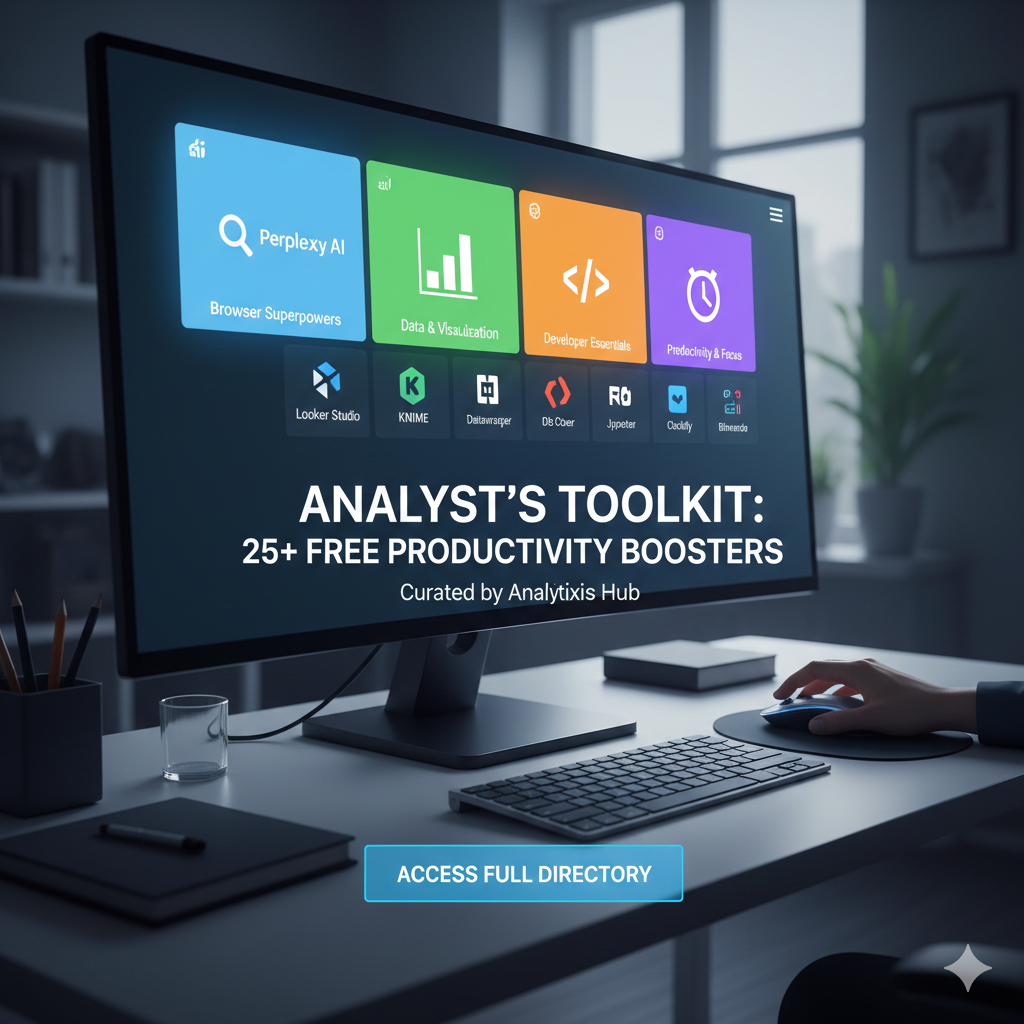
Our curated list of 25+ browser extensions and free tools that will double your productivity.
In the fast-paced world of tech, your efficiency is only as good as the tools in your tray. We have scoured the ecosystem to handpick the most powerful, 100% free software and extensions that professional analysts, developers, and data storytellers are using in 2026 to work smarter, not harder.
1. The Browser “Superpowers” (Extensions)
- Perplexity AI: Move beyond standard search. Get instant, sourced answers to technical questions directly in your sidebar.
- Wappalyzer: The ultimate “detective” tool. Instantly see the technology stack (CMS, Frameworks, Analytics) of any website you visit.
- OneTab: Essential for researchers. Convert 50+ open tabs into a single, memory-saving list with one click.
- Grammarly AI: Because analysts write more than just code. Ensure your reports, emails, and documentation are polished and professional.
- GoFullPage: Capture perfect, high-resolution full-page screenshots of dashboards or long-form data reports without scrolling.
- Vimium: For the power users. Navigate your browser entirely with keyboard shortcuts, eliminating the need for a mouse.
2. Data Cleaning & Visualization (No-Code/Low-Code)
- RAWGraphs: A free, open-source tool that bridges the gap between spreadsheets and vector graphics. Perfect for creating “fancy” charts that Excel can’t handle.
- Looker Studio (by Google): The gold standard for free, live-syncing dashboards. Connect your Google Sheets or BigQuery data for real-time reporting.
- KNIME Analytics Platform: A powerful “drag-and-drop” desktop software for data science. Build complex data workflows and machine learning models without writing a single line of code.
- Datawrapper: Built for storytellers. Create beautiful, interactive maps and charts that look like they belong in the New York Times.
3. The Developer & Analyst Desktop Essentials
- DBeaver Community: The only “Universal Database Tool” you’ll ever need. Connect to SQL, PostgreSQL, MariaDB, and more with an intuitive UI.
- Visual Studio Code (VS Code): More than just a text editor. With the right “Analyst” extensions, it becomes a powerhouse for Python, SQL, and Markdown documentation.
- Jupyter Notebook (via Anaconda): The essential “digital lab” for every data pro. Write code, see results, and document your findings in one interactive file.
- Notion: Your second brain. Use it to build personal knowledge bases, track project timelines, and store your technical “cheat sheets.”
4. Productivity & Focus Tools
- Text Blaze: Stop typing the same responses. Create custom “snippets” to auto-fill common SQL queries, email replies, or project descriptions.
- Clockify: A simple, free-forever time tracker to help you realize exactly how much time you’re spending on “Deep Work” versus “Admin.”
- Bitwarden: A secure, open-source password manager to keep your enterprise credentials and API keys safe across all devices.
