
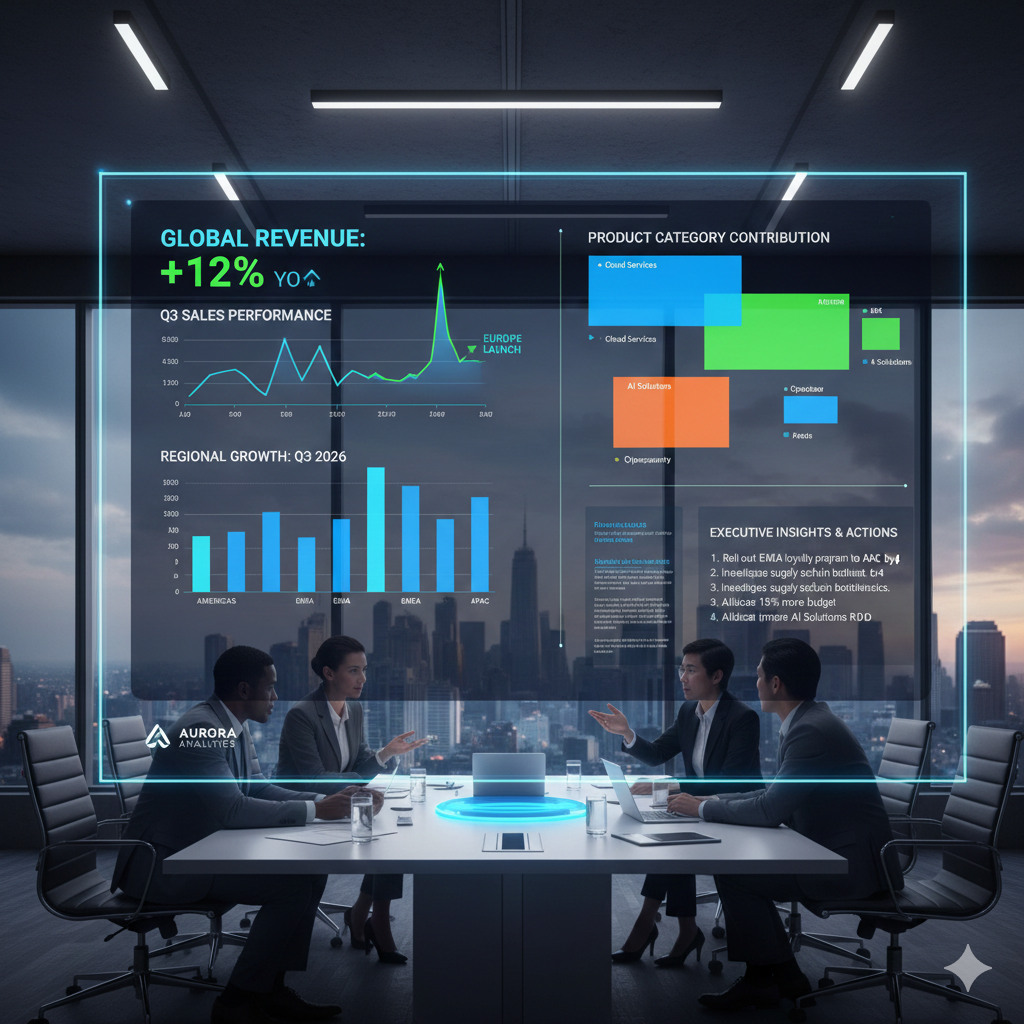
Go beyond the numbers and learn how to build visualizations that drive executive decisions.
Data is just noise until it’s given a narrative. In most corporate settings, dashboards are graveyard shifts for metrics—crowded, confusing, and ultimately ignored. To bridge the gap between “Analyst” and “Strategic Partner,” you must stop reporting data and start telling stories that demand action.
This masterclass outlines the framework for building high-impact visualizations that don’t just show “what happened,” but explain “why it matters” and “what to do next.”
1. The “Three-Second Rule” of Cognitive Load
An executive should be able to look at your dashboard and understand the “health” of the business within three seconds. If they have to hunt for the meaning, the design has failed.
- The Power Move: Use The Inverted Pyramid. Put your “Hero Metric” (the most important number) in the top-left corner, followed by supporting trends, and leave the granular tables for the bottom.
- The Secret: Eliminate “Chart Junk.” Remove unnecessary gridlines, borders, and 3D effects that distract the eye from the actual data points.
2. Choosing the Right “Hero” Visual
Not all charts are created equal. Using a pie chart with twelve slices is a data crime; using a line chart for non-time-series data is a logical error.
| Objective | Best Visualization | Why? |
| Comparison | Bar/Column Chart | Humans are best at comparing lengths on a common baseline. |
| Trend over Time | Line Chart | Clearly shows the “slope” and rate of change. |
| Correlation | Scatter Plot | Reveals the relationship (or lack thereof) between two variables. |
| Part-to-Whole | Treemap | Better than pie charts for showing complex hierarchies in a small space. |
3. The Power of Contextual Annotations
Raw numbers are meaningless without a benchmark. A “10% increase” sounds great until you realize the industry average was 25%.
- The Framework: Always include Target Lines (Goal vs. Actual) and Period-over-Period comparisons (Year-over-Year or Month-over-Month).
- The Power Move: Use Dynamic Annotations. Don’t just show a spike in a graph; add a text box explaining why it happened (e.g., “Marketing Campaign Alpha Launch”).
4. Color as a Communication Tool (Not Decoration)
Colors should be used strategically to highlight outliers or signify status.
- Sequential Colors: Use shades of a single color for continuous data (e.g., light blue to dark blue for sales volume).
- Diverging Colors: Use contrasting colors (like Red and Green) only for binary states—Success vs. Failure, or Profit vs. Loss.
- Accessibility: Always ensure your dashboard is readable for color-blind users by using high-contrast patterns or symbols in addition to color.
5. Moving from “What” to “Now What?”
The final stage of the masterclass is the Actionable Footer. Every dashboard should conclude with a “Recommendations” or “Insights” pane.
- Descriptive: “Sales are up 5%.” (Weak)
- Diagnostic: “Sales are up 5% due to the new loyalty program in the Northeast region.” (Better)
- Prescriptive: “Northeast loyalty success suggests we should roll out the program to the West region by Q3.” (Masterclass Level)
Summary: The Dashboard as a Decision Engine
A great dashboard doesn’t just display data; it builds consensus. When you master the art of storytelling, your visualizations become the “North Star” that aligns departments and drives the company forward.
